Enabling XML
Table of Contents:
Enabling XML
This is a guide is for FileMaker Server admins using FileMaker Server 17 and want to enable XML Web Publishing. Please note FileMaker Cloud does not have a web publishing engine which is a requirement for Zulu and thus is not a supported environment.
Step 1: Enable XML Web Publishing on the Command Line
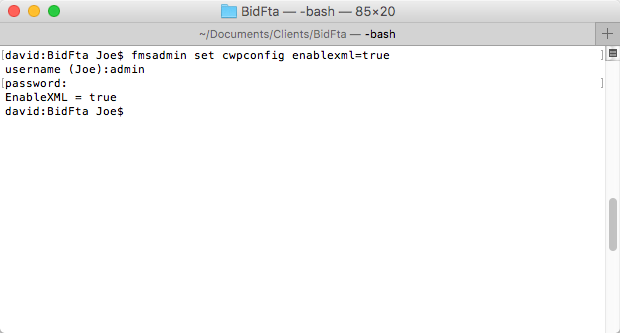
First, you will need to run the following command on the machine running FileMaker Server 17. This command should be run in Command Prompt on Windows, or Terminal on Mac: fmsadmin set cwpconfig enablexml=true
Step 2: Enable XML Web Publishing in the Admin Console
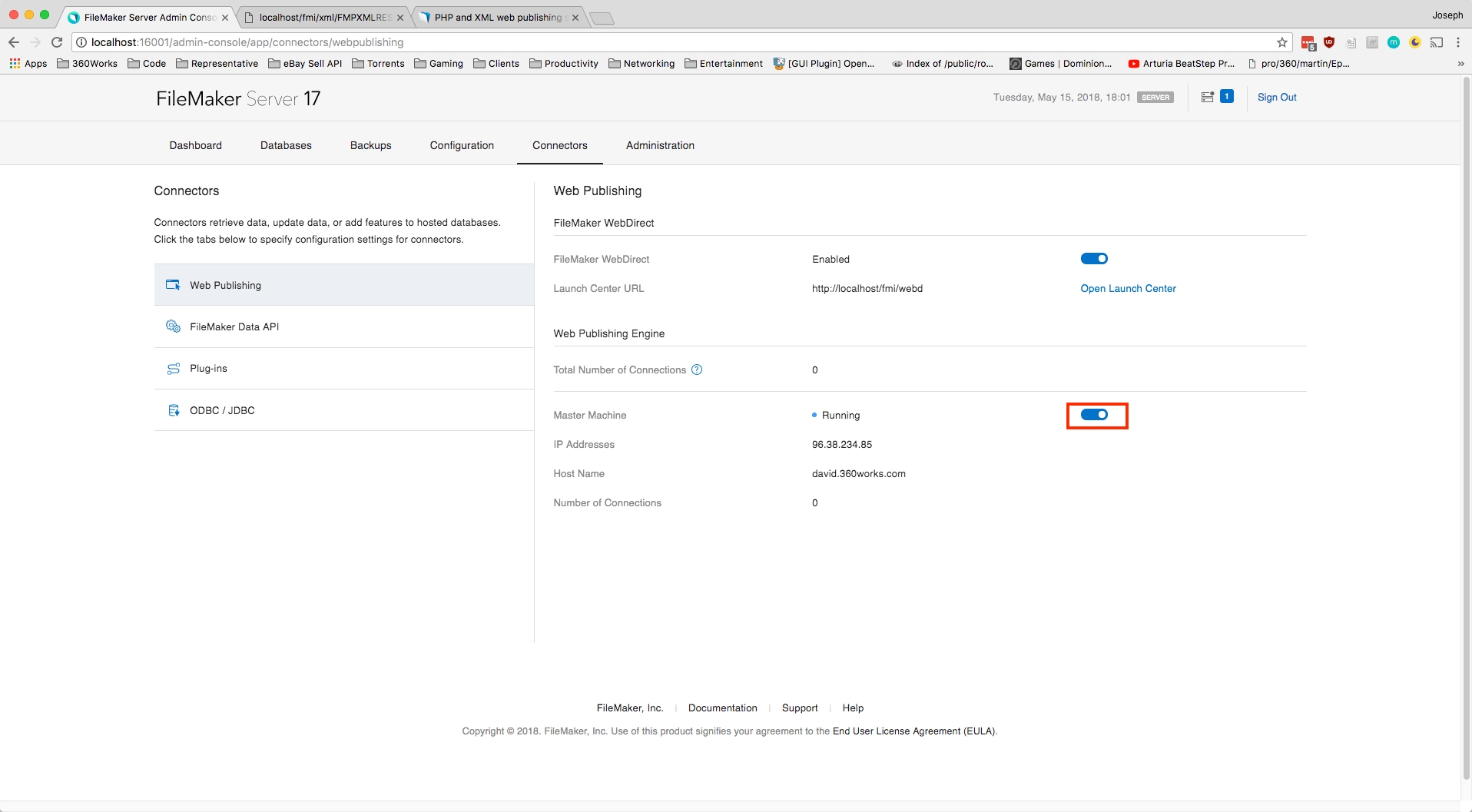
Second, be sure that the Web Publishing Engine is turned on in your FileMaker Server 17 Admin Console. You can find the right menu item by going to: Admin Console -> Connectors -> Web Publishing Engine
Step 3: Restart Web Publishing Engine
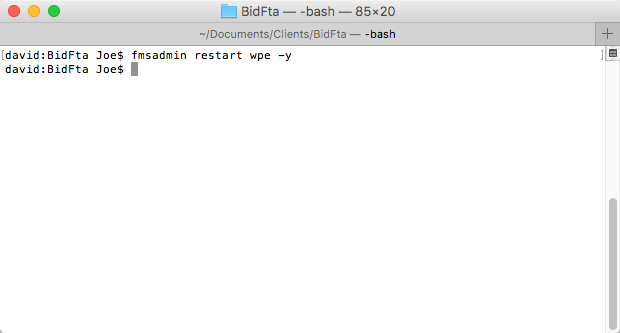
Last, restart your Web Publishing Engine to make sure the changes have taken place by running this command: fmsadmin restart wpe -y
Check That XML Web Publishing Is Enabled
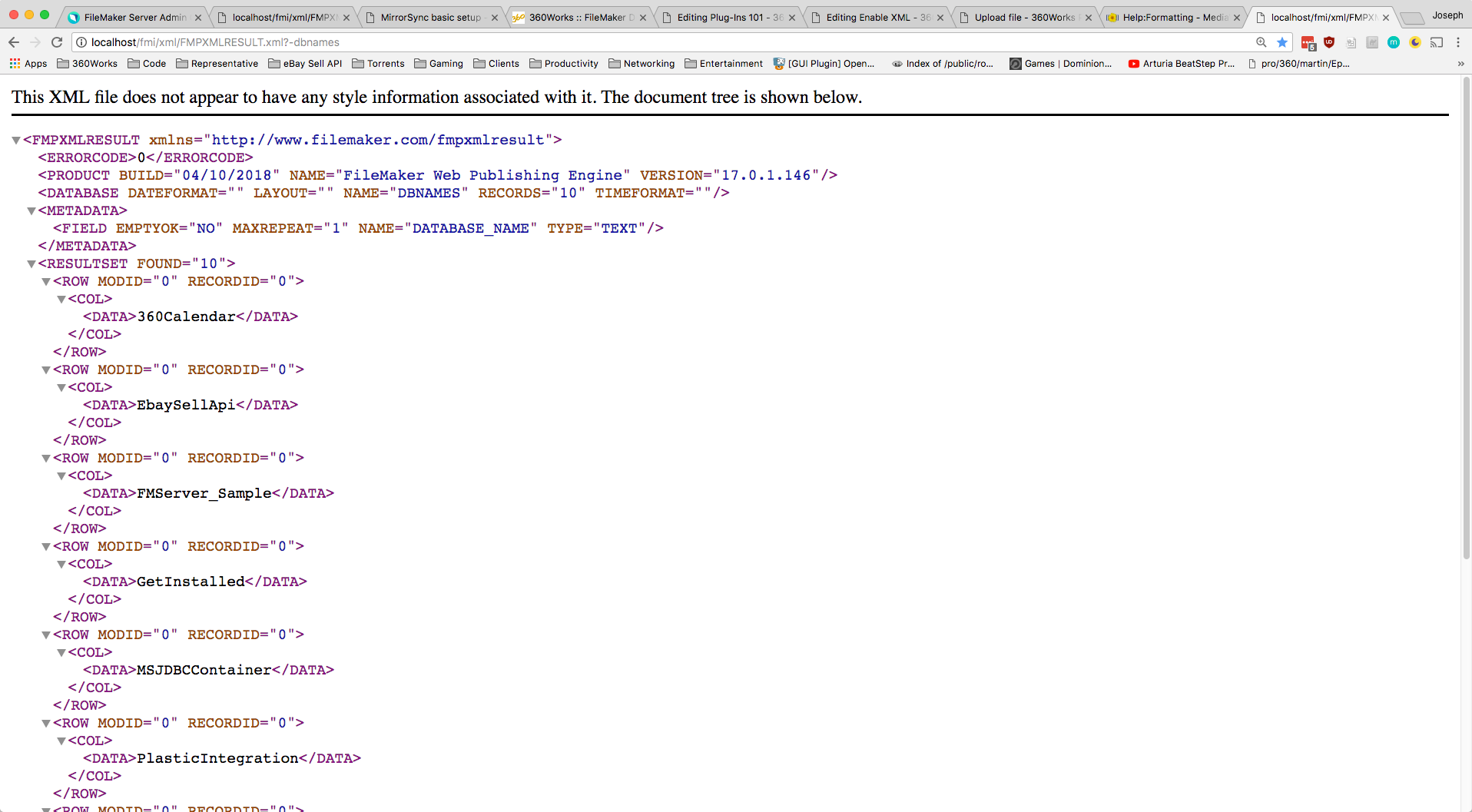
To check that XML Web Publishing is working, run a dbnames command in your browser, on the machine running FileMaker Server. Copy and paste this url into your browser: http://localhost/fmi/xml/FMPXMLRESULT.xml?-dbnames
You should see a list of database names in the response, like this:
Enable XML Privileges for FileMaker Accounts
For a FileMaker account to work with XML Web Publishing, their privilege set will need the fmxml extended privilege.
To enable this, open your database, and navigate to:
File -> Manage -> Security...- Login with a Full Access account
- Go to the
Privilege Setstab - Double-click on the privilege set you want to use over XML
- In the new window, look in the
Extended Privileges section - Enable the
Access via XML Web Publishing - FMS only (fmxml)extended privilege